Important Disclaimer
BatteryStorageHQ provides educational content and estimates only. We are not certified installers, financial advisors, or electricians. Always consult with licensed professionals.
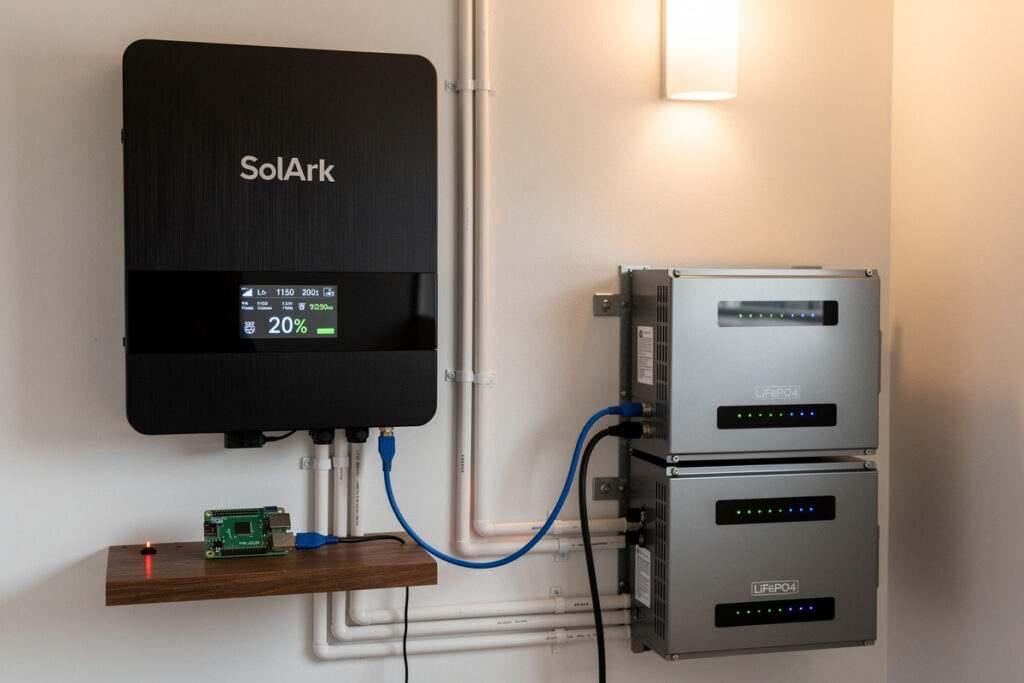
Most home battery systems ship with a vendor app that shows state of charge and not much else. The data exists — every modern hybrid inverter logs production, consumption, battery flow, grid import, and grid export at one-second granularity — but the manufacturer locks it behind a cloud account, an internet dependency, and an app that does not talk to anything else. Smart inverter monitoring breaks that lock by exposing the same data over Wi-Fi or MQTT to a system you actually control.
This guide covers which inverter brands ship with native open protocols, the retrofit options for inverters that don’t, and how to plug the data into a smart home energy management system that turns inverter telemetry into automations, alerts, and actionable analytics. The chemistry-side concerns are covered in the chemistry guide referenced throughout; this article focuses on the data layer.
Why Smart Monitoring Matters for Home Batteries
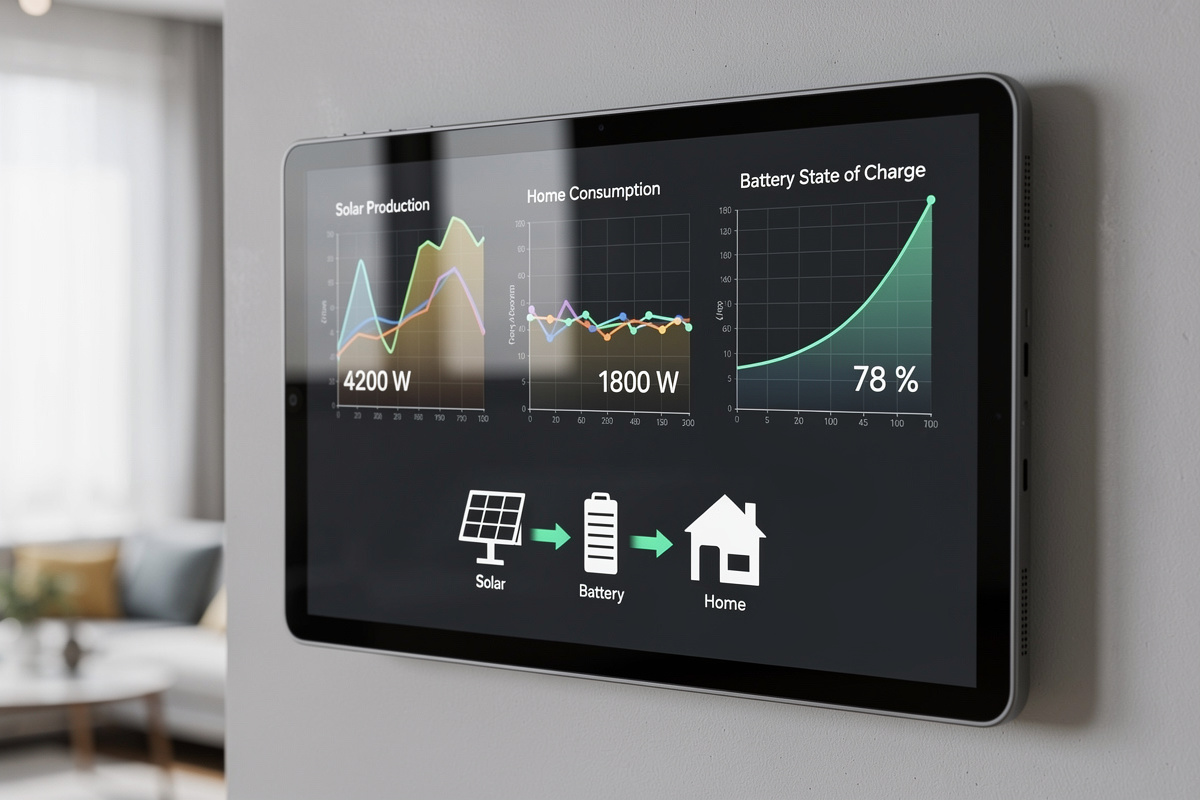
Native vendor apps log data, but they do not act on it. A smart-monitored inverter exposes the same telemetry to your home automation hub, which can drive automations, alerts, and load-shifting decisions the vendor app cannot.
The high-value automations possible with open inverter data:
- Pre-charge battery to 100% before forecasted overnight outage
- Shed non-essential loads (water heater, EV charger) when battery drops below 30%
- Trigger generator start when grid is down and battery falls below 20%
- Shift heavy loads (dishwasher, dryer, EV charging) to peak solar hours automatically
- Alert when battery cycle count crosses a maintenance threshold
- Feed Time-of-Use rate optimization: discharge during peak rate, charge during off-peak
None of these are supported by the typical vendor app on its own. All become point-and-click automations once the inverter telemetry lands in Home Assistant, Hubitat, or any open energy-management platform.
The financial case is real for owners on Time-of-Use rates. A typical California PG&E E-TOU-C customer with a 10kWh battery and proper TOU automation saves $400–700 per year over passive use of the same battery. The smart-monitoring upgrade pays for itself in the first year.
Inverter Brands That Ship with Open Protocols
Three categories of inverter cloud-connectivity matter:
1. Native Modbus TCP / RTU. The industrial-standard data protocol. Every serious hybrid inverter exposes Modbus over Ethernet or RS-485. Direct integration with Home Assistant requires only the inverter’s IP address (or USB-RS485 adapter) and a register map. Brands: SolArk, EG4, Victron (also has its own VRM), Sol-Ark, Deye, Growatt (with Modbus dongle), Solis (with WiFi/Modbus stick), Schneider Conext.
2. Native MQTT. Newer hybrid inverters speak MQTT directly to a local broker. Cleanest integration with home automation. Brands with MQTT support: Victron Cerbo GX (via the Cerbo’s Modbus-to-MQTT bridge), some Hoymiles micro-inverters, certain Foxess units. Generally not yet a default feature; usually requires the inverter’s gateway/dongle accessory.
3. Cloud-only API. The vendor exposes data only via their cloud server with REST or proprietary API. Examples: Tesla Powerwall (Gateway local API exists but is not officially supported), Enphase IQ (Enlighten API requires cloud auth), SunPower (heavily cloud-locked). Workable but adds an internet dependency to your home energy stack — when the vendor cloud is down or your internet drops, your monitoring breaks.
For new installs, the practical rule: buy an inverter with native Modbus TCP. The price difference vs cloud-locked alternatives is small ($50–200) and the integration freedom is significant. The hybrid inverter buyer’s guide covers the brand-level Modbus support across the major options.
The Modbus Pattern: How Local Inverter Data Actually Works
Modbus is the lingua franca of industrial control and a surprising amount of solar/battery hardware. Two flavors:
Modbus TCP: Inverter exposes a TCP port (502 typically) on Ethernet. Home Assistant or any client connects, queries registers, gets back values. The right approach for any inverter with a network port. Latency: 50-200ms per query. Suitable for 1-second-resolution polling.
Modbus RTU: Inverter exposes RS-485 serial. Requires a USB-to-RS485 adapter on the home automation box ($15-30). Slightly older but still common; appears on every inverter that exposes data over the rooftop combiner box. Use with Modbus-to-MQTT bridge software (mbusd, modpoll) for cleaner integration.
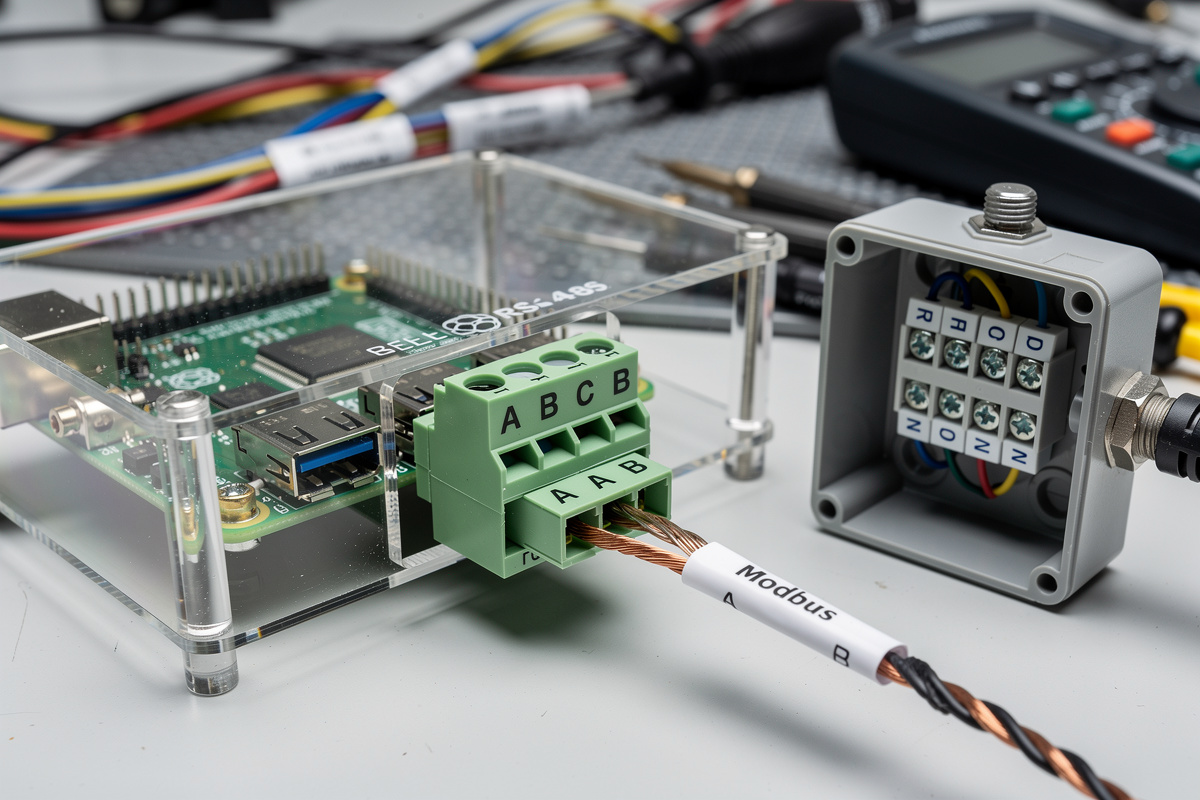
The integration pattern in Home Assistant is identical for both:
- Install the Modbus integration
- Configure the inverter as a Modbus device with its IP/port (TCP) or serial path (RTU)
- Define sensors mapped to specific register addresses
- Sensors appear as entities; automations and dashboards work on them like any other sensor
Most inverter brands publish Modbus register maps in their installer manuals. Community-maintained ESPHome and Home Assistant configurations cover the popular brands; SolArk, Victron, and Deye have particularly mature integrations because of their solar-DIY community popularity.
What Data Should You Actually Pull?
Modern hybrid inverters expose 50–200 registers. Most are not interesting; eight are critical for useful automations:
| Register | Update rate | Why it matters |
|---|---|---|
| Battery state of charge (SoC %) | 1-second | Drives every load-shedding automation |
| Battery voltage / current | 1-second | Health monitoring; cycle counting |
| Battery cycle count | Daily | Lifetime tracking; warranty support |
| Solar production (W) | 1-second | Real-time generation; load matching |
| Grid import (W, signed) | 1-second | Negative = exporting; positive = importing |
| Home consumption (W) | 1-second | Total load; baseline for shedding decisions |
| Inverter temperature | 1-minute | Throttling indicator; predicts efficiency loss |
| Inverter mode (idle/charging/discharging/grid-tied) | 1-second | State for automation conditional logic |
Logging all eight at 1-second resolution generates roughly 30 MB per month of time-series data — trivial storage. InfluxDB or the built-in Home Assistant recorder both handle the load without optimization.
Adding Smart Monitoring to a Cloud-Locked Inverter
For inverters that only expose cloud APIs — Tesla Powerwall, Enphase IQ, SunPower — three retrofit paths exist:
1. Local API discovery. Most “cloud-only” inverters actually have a local web interface for installer commissioning. The Powerwall Gateway has /api/3/ endpoints documented by the community. Enphase has a local REST API on the IQ Combiner that works but loses access on firmware updates. These local APIs are not supported by the manufacturer (so they can disappear without warning) but they work today.
2. CT clamp + separate energy monitor. Bypass the inverter entirely. Install Emporia Vue or Sense at the main panel, measure aggregate consumption and per-circuit loads. Get the data from a dedicated monitoring product rather than the inverter. Combines well with native solar production sensors. Adds $200–500 in hardware but works with any inverter.
3. Vendor cloud API integration. If the vendor offers an official API (Tesla does for Powerwall via their Owner API), integrate that into Home Assistant. Adds an internet dependency but works without local network access. Best for cloud-first vendors that won’t be retrofitted otherwise.
For Powerwall specifically, the smart home energy management guide covers the cloud-API integration pattern that most Tesla owners end up using. For Enphase, the local IQ Combiner approach is more reliable than the cloud API but requires periodic re-authentication.
Home Automation Integrations: What Lives Where
The integration stack for smart inverter monitoring follows a consistent pattern:
Home Assistant (the default). Open-source, runs on a Raspberry Pi or low-power x86. Native Modbus support. The tooling for inverter monitoring is the most mature of any platform. The pfSense configuration guide covers the network-side considerations for an HA installation that needs reliable access to the inverter on a separate VLAN.
Hubitat. Closed-source but local-first commercial alternative. Has Modbus integrations but the community is smaller. Better if you prefer a commercial product over Home Assistant’s DIY ethos.
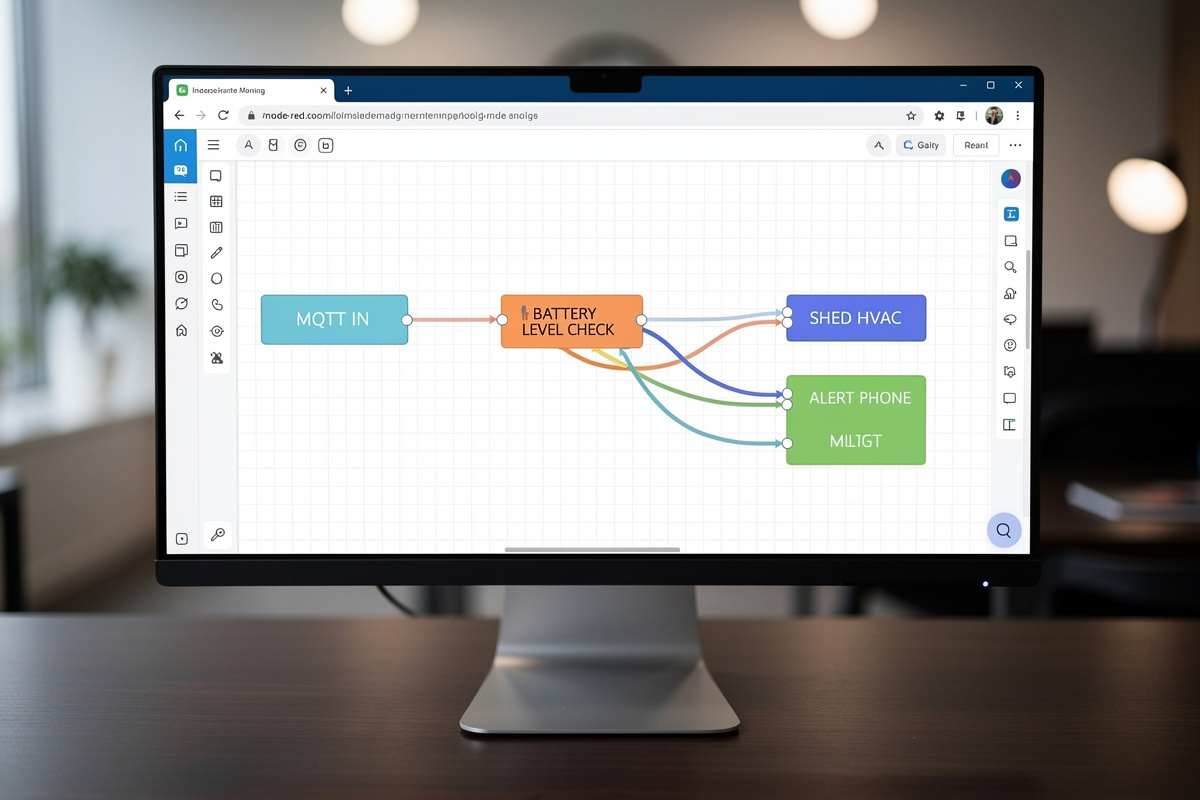
Node-RED. Flow-based programming layer that often runs on top of Home Assistant. Excellent for energy-management logic (“if battery > 80% AND grid rate is on-peak THEN export max”).
OpenEnergyMonitor / emonCMS. Specialized energy-data platform. Good visualizations and reporting. Less general-purpose than HA — best as a complement, not a replacement.
For most home users, the right stack is Home Assistant + Node-RED + a 30-day Influx retention for historical data. Cost: $100 in hardware, free software, 4–8 hours of initial setup.
Useful Automations Once Data Is Flowing
Five automations that justify the integration effort:
1. Time-of-Use rate shifting. Charge from solar during day, discharge during peak rate hours (4–9pm typical), let grid charge during off-peak (midnight–6am). Saves $400–700/year on TOU plans for typical household consumption.
2. Pre-storm charging. Subscribe to a weather API. When severe weather forecast arrives, force battery to 100% charge regardless of solar/grid economics. Adds hours of backup capacity for typical outage events.
3. Load shedding by priority. When battery falls below 30% during outage, automatically turn off non-essential smart plugs (entertainment, secondary lighting, EV charger). When below 15%, also turn off HVAC. The energy management systems guide covers the smart plug and circuit-level shedding hardware.
4. Generator integration. Trigger generator start at 20% battery during outage. Inverter battery accepts generator AC; system rides generator output until battery recharges to 80%, then cycles back to battery-only.
5. Solar surplus diversion. When solar production exceeds household consumption AND battery is full, divert excess to water heater, EV charger, or pool pump rather than exporting to grid (which earns less than the saved consumption).
Common Mistakes
Three mistakes account for most “I tried smart inverter monitoring and it broke my system” complaints.
Polling too frequently. Some Modbus implementations rate-limit. Polling every 100ms saturates the inverter’s CPU and triggers communication errors. Stick to 1–5 second intervals for fast-changing values; 1-minute or daily for slow values like cycle count.
Trusting cloud API stability. Vendor APIs change without notice. Tesla has rotated Owner API auth methods three times; Enphase has restructured their API twice. Build resilience: cache last-known values, alert on authentication failures, prefer local API where available.
Putting the inverter on the trusted home network. Inverters are IoT devices with the same security posture as cameras and smart bulbs. Run them on the IoT VLAN with firewall rules that allow Modbus traffic from the home automation server only. The pfSense firewall rules guide covers the rule pattern.
Can I monitor any home inverter via MQTT?
No. Native MQTT support is rare. Most modern hybrid inverters expose Modbus TCP or RTU, which integrates cleanly with Home Assistant or any home automation hub. MQTT is supported on some Victron and Hoymiles models via gateway accessories. For inverters with only cloud APIs (Tesla Powerwall, Enphase), separate energy monitors at the main panel are the practical retrofit.
Does smart inverter monitoring void the warranty?
No for read-only monitoring via Modbus or local APIs. Yes potentially if you write to control registers (battery setpoint, grid export limits) or modify firmware. Most home users only read data; warranty risk is minimal. Always check the inverter manual’s warranty terms for the specific brand.
Which inverter brand is easiest to monitor?
SolArk, Victron, EG4, and Deye are the most home-automation-friendly. All four have mature community-built Home Assistant integrations and well-documented Modbus register maps. Tesla Powerwall is workable via local API but unsupported. Enphase requires cloud or workaround. Avoid SunPower for DIY monitoring.
How much data does smart inverter monitoring generate?
Roughly 30 MB per month at 1-second polling for the eight key registers. InfluxDB and the Home Assistant recorder both handle this without performance issues. Long-term archival (5+ years) on a Raspberry Pi 4 with a 1TB drive is straightforward.
Is Modbus TCP secure?
Modbus has no built-in authentication or encryption. Anyone on the same network can read or write to the inverter. Mitigate by placing the inverter on an isolated VLAN with firewall rules that allow Modbus only from your home automation server. Modbus-over-VPN is also viable for remote access.
Can I integrate inverter data with Alexa or Google Home?
Indirectly, yes. Home Assistant exposes inverter sensors and can publish them to Alexa and Google Home as voice queryable entities. You can ask Alexa for the current battery state of charge or solar production. Direct inverter integration with voice assistants is rare; the home automation hub is the bridge.
Related Articles
- Best Hybrid Inverter for Home Solar 2026 — buyer guide with Modbus support detail
- Battery Chemistry for Home Storage — chemistry choices that affect cycle data
- LiFePO4 vs NMC for Home Storage — chemistry-specific monitoring concerns
- Battery Cycle Life vs DOD — cycle data interpretation
- LiFePO4 Cold Weather Performance — temperature data implications