Important Disclaimer
BatteryStorageHQ provides educational content and estimates only. We are not certified installers, financial advisors, or electricians. Always consult with licensed professionals.
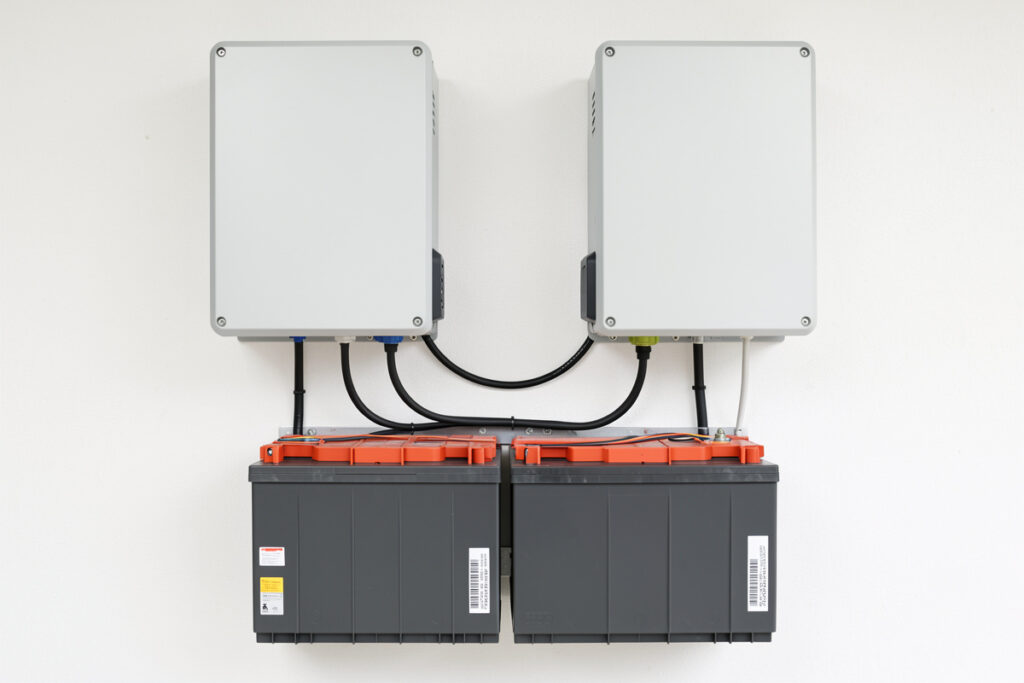
Paralleling hybrid inverters means wiring two or more identical units together so they share the load and act as one larger system — done for more continuous power, more surge headroom, or redundancy if one unit fails. The non-negotiables are that the units are the same model and firmware, that a synchronization cable ties them together, and that one unit is set as master and the rest as slaves. Get the comms and phase assignment right and two 8 kW units behave like one clean 16 kW source; get them wrong and they fight over the AC waveform and trip on the first real load.
I treat paralleling as a deliberate design choice, not a fix for having bought too small. If your single inverter cannot start the well pump or run the workshop, sometimes the right answer is a bigger inverter, not two of the wrong one. But when you genuinely need whole-home power or you want a unit to spare, paralleling is how you scale a hybrid system cleanly. This is the capacity layer that sits on top of the core hybrid inverter setup, and it adds a synchronization step to everything you already commissioned.
Why Parallel Instead of Buying One Bigger Unit
There are three honest reasons to parallel. The first is power you cannot get from a single chassis — many residential hybrids top out around 8 to 12 kW, and a whole modern home with electric heat, a well pump, and EV charging can want more. The second is surge headroom: two units share the inrush of a hard motor start, so the locked-rotor spike that would trip one is split across two. The third is redundancy — if one unit faults, a well-designed parallel array can drop to reduced capacity instead of going dark, which matters when the battery bank is your only backup.
The case against is cost and complexity. Two units means two of everything, a sync cable, and a commissioning step that can go wrong. If a single larger inverter covers your real loads — sized by surge as I argue in the whole-home sizing guide — that is usually simpler and cheaper. Parallel when the load or the redundancy genuinely demands it, not by default.
| Goal | Single larger inverter | Paralleled units |
|---|---|---|
| Max continuous power | Capped by one chassis | Sum of all units |
| Surge headroom | Single unit rating | Shared across units |
| Redundancy | None — single point | Survives one unit fault |
| Wiring complexity | Lower | Higher (sync + balance) |
| Cost | Usually lower | Higher per kW |
The Hard Rule: Identical Units, Same Firmware
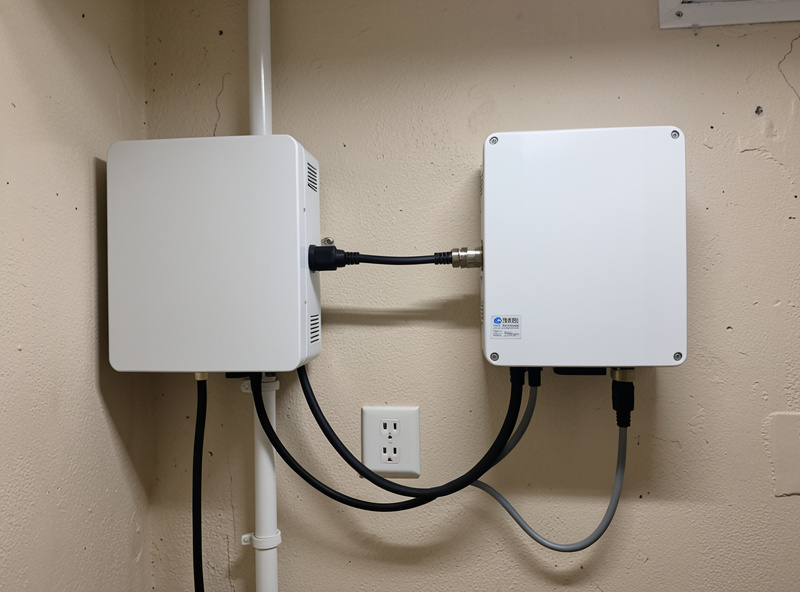
You cannot parallel mismatched inverters. They must be the same model, and in practice the same firmware version, because the master coordinates the AC waveform and the slaves follow it cycle by cycle. Mix a slightly different revision and the sync handshake can fail or, worse, succeed and then drift under load. Before paralleling anything, I update every unit to the same firmware and confirm the version on each display. This is also why paralleling is a design decision made up front — buying a second unit two years later means hunting for a matching revision.
The units also share a battery bank in most residential parallel topologies, which means the bank has to deliver the combined current of all inverters. That pushes up your cable gauge, your busbar rating, and your BMS continuous-current spec. A bank that comfortably fed one inverter can be undersized for two, so I re-check the battery’s continuous discharge rating against the new total before I parallel.
Master, Slave, and the Sync Cable
In a parallel group, one unit is designated master and the others slaves. The master sets the reference frequency and phase; the slaves lock to it through a dedicated synchronization or CAN cable that you must run between every unit. This cable is not optional and not the same as the battery comms cable — it is the heartbeat that keeps the AC outputs in phase. If it is missing or loose, the units either refuse to parallel or, on cheaper platforms, attempt to and produce circulating currents between them that waste energy and trip faults.
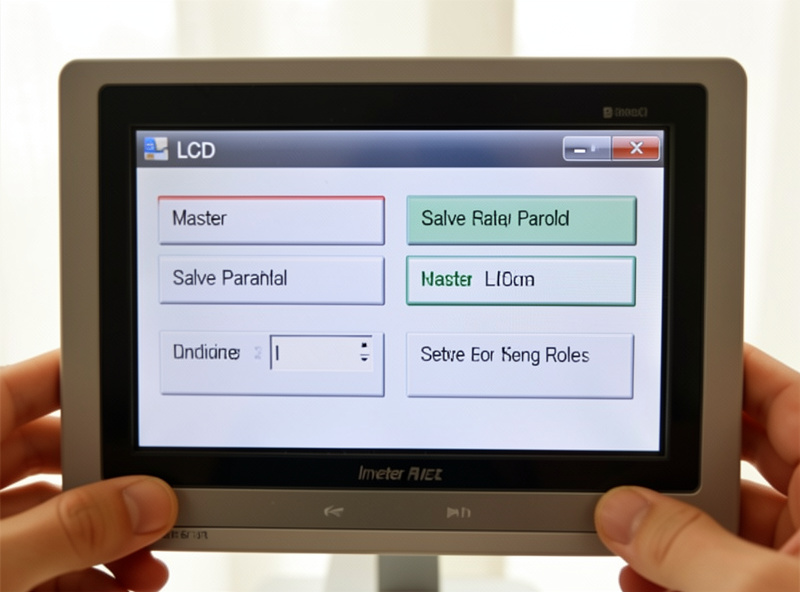
Setting the master/slave roles is done in each unit’s menu, and the order matters: the master must be addressed as unit one, with slaves numbered in sequence. The all-in-one platforms I compare in the Sol-Ark vs EG4 breakdown handle this with a clean menu and a supplied cable; budget units like the Growatt SPF can parallel too but with fussier setup and thinner documentation. The reliability benchmark, the Victron MultiPlus-II, parallels in a well-proven way but expects its own ecosystem cabling.
Single-Phase Parallel vs Split-Phase Grouping
There are two different things people call “paralleling,” and confusing them causes wiring mistakes. True paralleling stacks units on the same phase to add power on that phase. Building a split-phase 120/240 V output from two 120 V units is different — there the units are assigned to opposite legs (L1 and L2) rather than stacked on one. Many hybrids do both at once: two units per leg across two legs for a high-power split-phase system. Decide which topology you need before wiring, because the phase assignment in the menu has to match the physical wiring exactly. The split-phase side of this is its own job, walked in the split-phase 240V setup guide.
Cable Symmetry: The Detail People Skip
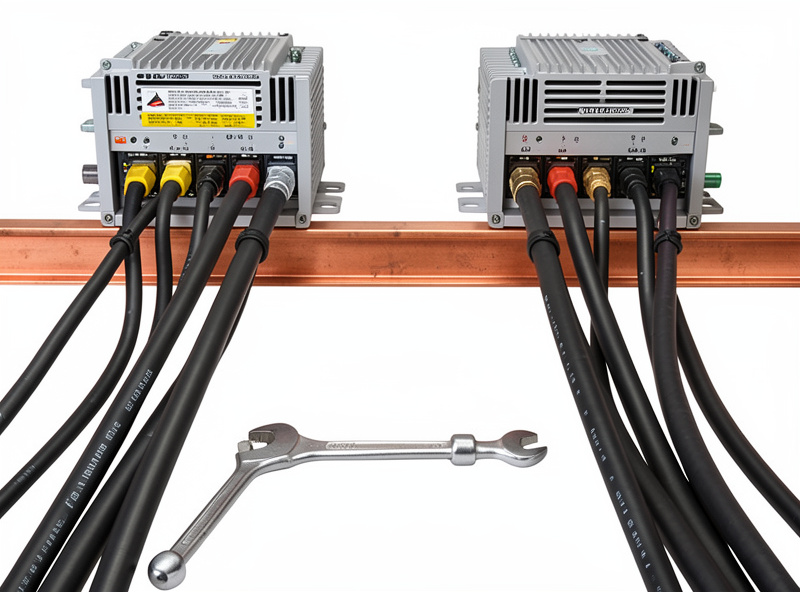
Here is a subtlety that bites people whose array tests fine and then runs hot on one unit: the battery cables to each inverter should be the same length and gauge. If unit one sits a metre closer to the bank than unit two, its cable has lower resistance, so it sources more current and works harder. The fix is symmetric cabling — run identical cable lengths to every inverter even if that means a loop of slack on the nearer one, and land them on a common busbar rather than daisy-chaining unit to unit. I size those cables and the busbar for the combined current of the whole array, then torque every lug to the manufacturer spec and re-check after a week of cycling, because a warm, under-torqued lug on a parallel system is a fire risk, not just an efficiency loss.
Commissioning a Parallel Array Without the Smoke
Commissioning paralleled units adds steps on top of the normal sequence. Bring up each unit individually first and confirm it runs solo, then power them all down, connect the sync cable, set master/slave roles and phase assignment, and power up the master first. With the array live but no load, I verify that every unit reports the same frequency and that load sharing is even — two units should each carry roughly half a test load, not 80/20. An uneven split points to a sync or settings problem, not a healthy array. The full base sequence is in the commissioning guide; paralleling just bolts the sync verification onto the end of it.
One safety note specific to parallel systems: the neutral-ground bond exists in exactly one place, and with multiple units you must confirm only the master (or the transfer point) holds it. Two bonds in a parallel array is a fault waiting to happen. After commissioning I watch a full day in Home Assistant to confirm the units share load evenly under real conditions, because an imbalance that hides at idle shows up when the workshop fires.
Frequently Asked Questions
Can I parallel two different hybrid inverter models?
No. Paralleled inverters must be the same model and ideally the same firmware version, because the master coordinates the AC waveform and the slaves follow it cycle by cycle. Mismatched units can fail the sync handshake or drift under load and trip.
How many hybrid inverters can be paralleled together?
It depends on the platform. Many residential hybrids support 6 to 16 units in parallel, but the practical limit is set by your battery bank’s continuous current rating and busbar sizing, which must handle the combined draw of all units at once.
Do I need a special cable to parallel inverters?
Yes. A dedicated synchronization or CAN cable runs between every unit and carries the phase-and-frequency heartbeat from the master to the slaves. It is separate from the battery comms cable, and without it the units will not parallel cleanly.
What is the difference between paralleling and split-phase grouping?
Paralleling stacks units on the same phase to add power on that phase. Split-phase grouping assigns units to opposite legs, L1 and L2, to build a 120/240V output. Many systems do both at once, so match the menu phase assignment to the physical wiring exactly.
Should I parallel or just buy one bigger inverter?
Buy one bigger inverter if it covers your real surge loads, since it is simpler and usually cheaper. Parallel when you need more power than any single chassis provides, more shared surge headroom, or redundancy so the system survives one unit failing.
Why are my paralleled units sharing load unevenly?
Uneven load sharing, such as an 80/20 split, usually points to a synchronization cable or settings problem rather than a healthy array. Check the sync cable, confirm master and slave roles, and verify every unit reports the same frequency before adding load.