Important Disclaimer
BatteryStorageHQ provides educational content and estimates only. We are not certified installers, financial advisors, or electricians. Always consult with licensed professionals.
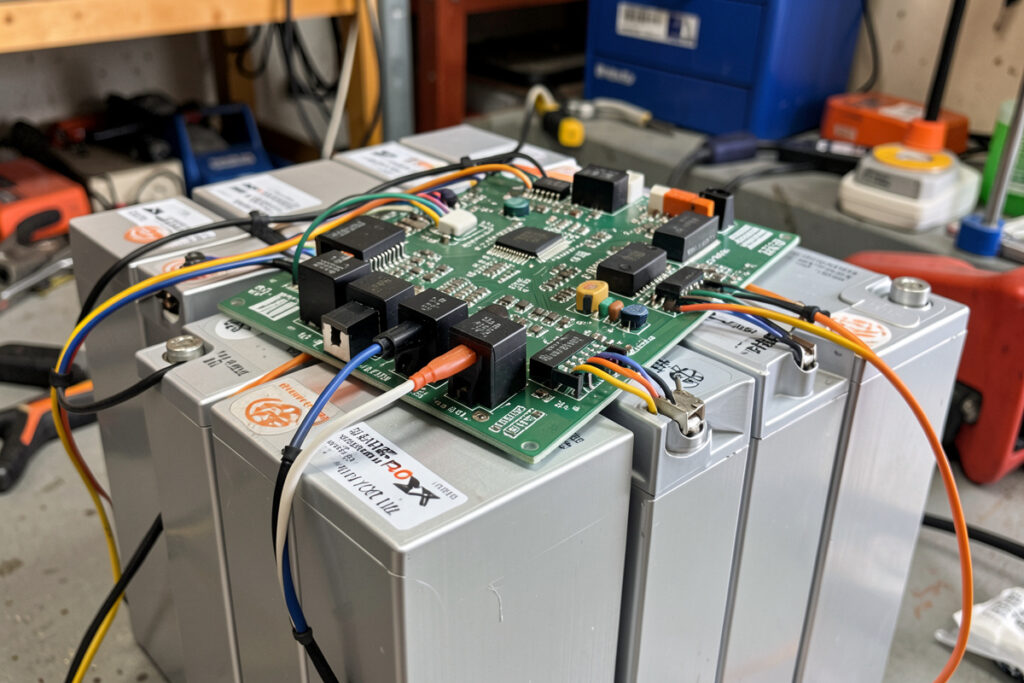
There is one setting on a LiFePO4 system that, if you get it wrong in the dangerous direction, slowly destroys an expensive bank and can eventually start a fire — and most off-the-shelf wall batteries hide it from you entirely. On a DIY bank you own it outright. It is the BMS charge-temperature cutoff: the rule that blocks charge current whenever the cells are too cold to accept it safely. Every autumn I check mine before the frost, the same way I check the tyres before winter, because below freezing it is the difference between a healthy pack and a quietly dying one.
This is the settings half of cold-weather safety, and it pairs directly with both my BMS fundamentals guide and the broad picture of how LiFePO4 behaves in the cold. Here I want to be precise about why the cutoff exists, what to set, and the subtle mistakes that turn a safety feature into a nuisance — or a hazard. It is one piece of the larger winter solar storage system.
Why charging a freezing LiFePO4 cell is genuinely dangerous
LiFePO4 is forgiving chemistry, which is exactly why people get casual about it. It discharges happily well below freezing — you lose some usable capacity and the voltage sags under load, but the cell is not harmed. The asymmetry is entirely on the charge side.
When you push charge current into a cell sitting below roughly 0°C, the lithium ions cannot intercalate into the anode fast enough, so they plate out as metallic lithium on the anode surface instead. That plating is permanent: it consumes active lithium, so capacity drops and never comes back. Worse, repeated plating builds dendrites — fine metallic spikes that can eventually bridge the separator and cause an internal short. In a large home bank that is a real fire pathway. This is not a “be gentle” caution; it is a hard rule. There is no trickle-charge exception a careful builder relies on below freezing.
The conservative, universally-correct practice is simple: no charge current into a cell below 0°C. Discharge below freezing is fine; charge is not. Everything about the cutoff setting flows from that one line.
What the cutoff actually does
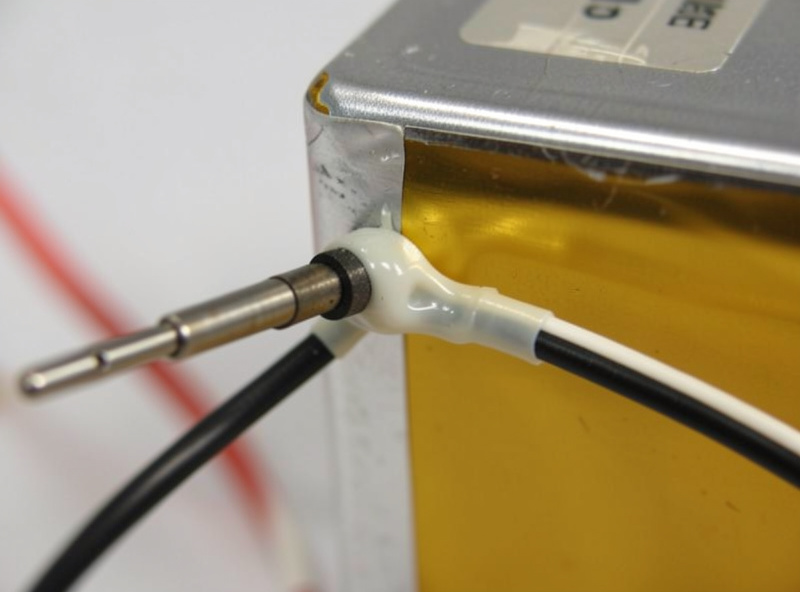
A temperature-aware BMS reads one or more sensors bonded to the cells and disables the charge path whenever a cell falls below the charge-low-temperature threshold. The panels (or the grid charger, or the generator) can be making power; the BMS simply opens the charge circuit so none of it reaches a frozen cell. When the cells warm back above a re-enable threshold, charging resumes.
Two things make this work well rather than badly. First, the sensor has to be on the cells — ideally bonded to a cell body in the coldest part of the pack — not just measuring enclosure air, which can be several degrees warmer than the cell that matters. Second, there must be hysteresis: a gap between the cut-out and re-enable temperatures so the BMS does not chatter on and off every few seconds as a cell hovers right at the threshold. Disable around 0°C, re-enable a few degrees higher, and the system settles instead of buzzing.
Sane settings to start from
Exact menu names vary across the boards I run — JK, Daly, Overkill/JBD, Batrium — but the parameters map onto the same handful of values. These are the conservative starting points I use; adjust within reason for your cells’ datasheet, never below them on the safety side.
- Charge low-temperature cutoff: disable charging at about 0°C (some builders set +2 to +3°C for margin against sensor lag — I lean to that margin in an outdoor bank).
- Charge re-enable temperature: a few degrees above the cutoff, e.g. +5°C, to give clean hysteresis.
- Discharge low-temperature cutoff: set far colder per your cell datasheet — LiFePO4 discharges fine well below freezing, so this is about deep-cold protection, not the everyday rule.
- Sensor placement: on the cell body in the coldest corner of the pack; verify the BMS is reading that sensor for the charge decision.
The point of erring a degree or two warm on the cutoff is that a sensor reads the cell surface, while the core can lag; a small margin keeps you safely away from plating even when the pack is warming or cooling fast. Conservative here costs you a little winter charging; aggressive here costs you the bank.
The mistakes that turn a safeguard into a problem
I have seen — and early on, made — every one of these.
Trusting air temperature instead of cell temperature. An enclosure sensor reading +3°C while the cell against the cold outer wall sits at −1°C will happily authorise a charge that plates that cell. Measure the cell, and the coldest one.
No hysteresis. Cut-out and re-enable set to the same value means the BMS rapidly toggles the charge path around the threshold, hammering the contactor or FETs and confusing the charge source. Always leave a gap.
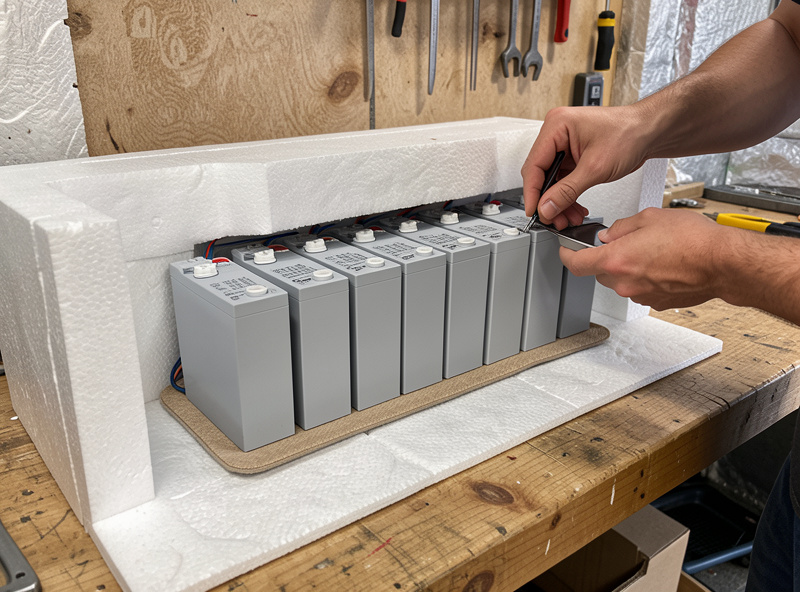
Assuming the cutoff means you do not need heat. The cutoff protects the bank, but it does not charge it. If your cells spend December below freezing, the cutoff simply means your panels make power you cannot store. The real fix for an outdoor or unheated bank is to warm the cells into the charge window — which is the heating-pad job, a separate but linked decision.
Setting it once and forgetting. Firmware updates, board swaps, and factory defaults can quietly reset or disable the feature. I verify the charge-low-temp cutoff is enabled and sane every autumn. It takes five minutes and has saved me a bank.
Disabling it to “get more winter charging.” The single worst move. People frustrated by a bank that will not accept charge on a cold morning turn the protection off rather than solve the temperature. That trades a real fire-and-capacity risk for a little convenience. Never.
How it fits the rest of the winter system
The cutoff is one of two cold-weather settings that genuinely protect the bank; the other is sizing your string against cold Voc so the charge controller is not over-volted. Together with a heating pad for any sub-zero bank and a generator or grid backup for the deep-winter production gap, they make a northern system that simply keeps running. The BMS cutoff is the last line of defence: even if every other safeguard fails and the cells go cold, it refuses the dangerous charge. That is exactly why you never undermine it — it is the safety net under all the rest.
In my own install the cutoff lives downstream of a heating pad and a Home Assistant rule: the pad keeps the cells in the safe window most of the time, the dashboard alerts me if a cell trends cold, and the BMS cutoff stands behind both as the non-negotiable hard stop. Belt, braces, and a backstop — because the failure mode here is not an inconvenience, it is a damaged bank or worse.
The small gear that makes the cutoff trustworthy
The cutoff is only as good as the sensor feeding it and your ability to verify what the cells are actually doing. Two cheap tools earn their place. A spare temperature probe or a clip-on cell thermometer lets you sanity-check what the BMS reports against reality — I have caught a mis-bonded sensor this way. And if your bank lives anywhere it can freeze, a thermostatically controlled heating pad is what keeps the cells in the charge window so the cutoff rarely has to act at all.
As an Amazon Associate I earn from qualifying purchases. These are tools I actually keep on the bench; they cost you nothing extra.
- Battery temperature sensor / probe — verify what your BMS reports against the actual coldest cell.
- Thermostatic LiFePO4 heating pad — keep the cells above freezing so the cutoff is a backstop, not your daily charge blocker.
Frequently asked questions
At what temperature should a BMS stop charging LiFePO4?
Disable charging at about 0°C — many builders set the cutoff a couple of degrees above freezing for margin against sensor lag. Charging a cell below freezing plates lithium metal on the anode, causing permanent capacity loss and a long-term internal-short risk. Discharging below freezing is fine; only charging is the hard rule.
Why does my BMS block charging on a cold morning even though the sun is out?
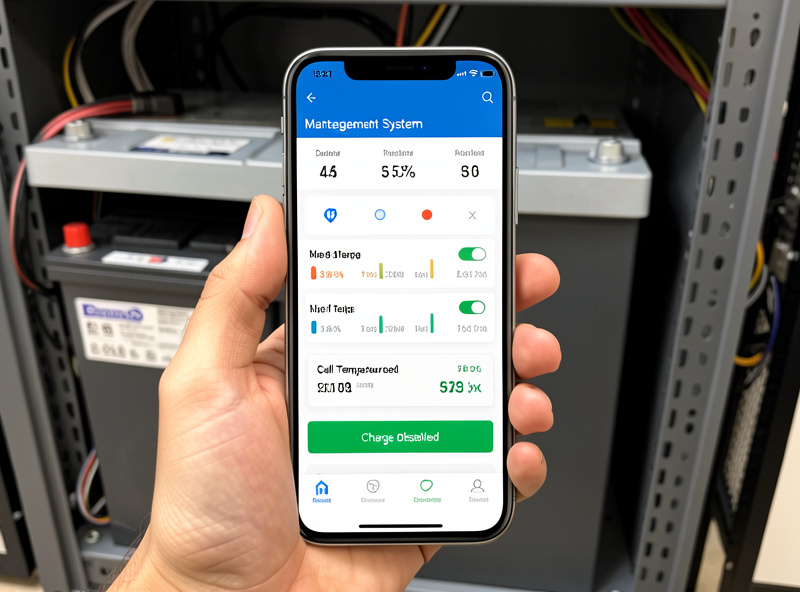
That is the charge-temperature cutoff working correctly. The panels are making power, but a cell below the cutoff cannot safely accept it, so the BMS opens the charge path. The fix is to warm the cells with a heating pad, not to disable the protection — turning the cutoff off to force a charge damages the bank.
Where should the temperature sensor go?
On the cell body itself, in the coldest part of the pack — typically a cell against a cold outer wall — not just measuring enclosure air, which can read several degrees warmer than the cell that matters. Then confirm the BMS is actually using that sensor for its charge decision.
What is hysteresis and why does it matter for the cutoff?
Hysteresis is the gap between the cut-out temperature and the higher re-enable temperature. Without it, a cell hovering right at the threshold makes the BMS toggle the charge path on and off rapidly, hammering the switching hardware and confusing the charge source. Cut out near 0°C and re-enable a few degrees warmer.
Can I discharge a LiFePO4 bank below freezing?
Yes. LiFePO4 discharges safely well below freezing — you lose some usable capacity and see more voltage sag under load, but the cell is not harmed. Set the discharge low-temperature cutoff far colder than the charge cutoff, per your cell datasheet. The freezing rule applies only to charging.