Important Disclaimer
BatteryStorageHQ provides educational content and estimates only. We are not certified installers, financial advisors, or electricians. Always consult with licensed professionals.
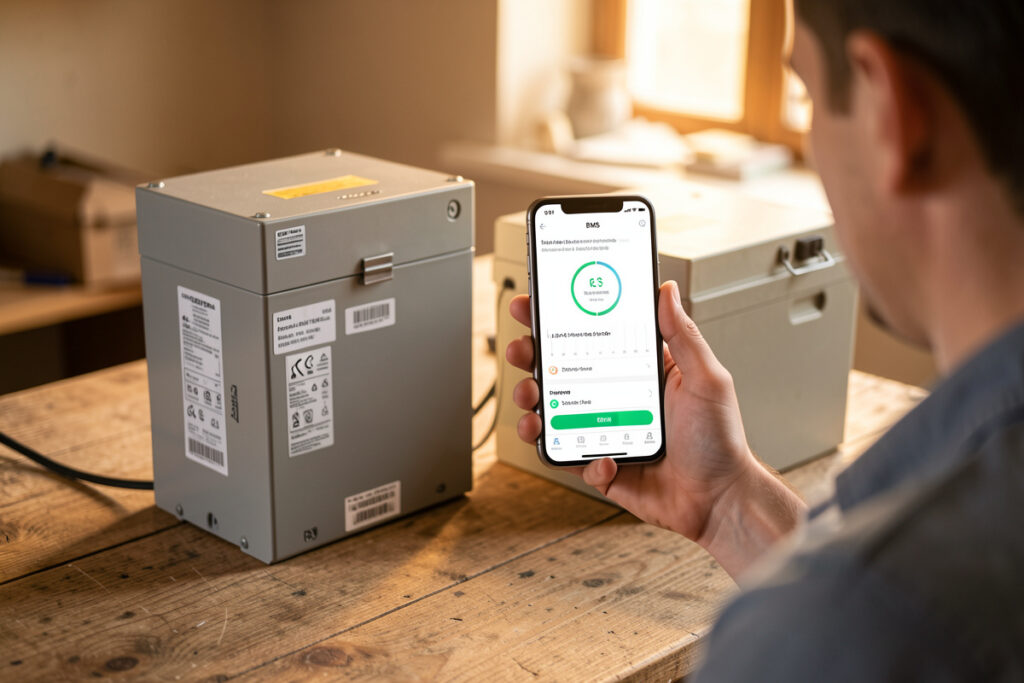
A BMS fault code is a symptom, not a diagnosis: it tells you which limit was reached, not why. The same handful of categories — over-voltage, under-voltage, over-current, temperature, and cell-difference — cover almost every code, and each points to a specific first thing to check. On my 16S LiFePO4 bank the over-voltage ceiling is 3.65 V per cell, and the vast majority of trips come down to a single cell reaching that limit ahead of the other fifteen.
Different boards label faults differently — a JK, a Daly, and a JBD all phrase things their own way — so rather than memorize one brand’s numbers, it pays to understand the categories every BMS shares. Once you know what each category actually means, the specific wording on your screen becomes obvious. This guide maps those categories to causes and first checks, and it is part of the broader battery maintenance and troubleshooting cluster. If you are new to what a BMS does at all, start with understanding the BMS.
A Fault Is a Symptom, Not a Diagnosis
The most common mistake is treating the fault code as the problem. The board reporting “over-voltage protection” did not malfunction — it correctly detected a cell hitting its ceiling and protected the pack. The real question is always why that limit was reached. An over-voltage trip on charge almost never means the charger is set too high; it usually means one cell is drifting ahead of the others and reaching 3.65 V early. Read the fault as a pointer to where to look.
This is why per-cell visibility is so valuable. When a fault fires, the first thing you want is the per-cell voltage and temperature snapshot at the moment it tripped — which cell, how far from its neighbors, at what temperature. A BMS that shows you that, ideally logged through something like Home Assistant, turns a cryptic code into an obvious story. The wider monitoring picture is in the battery monitoring guide.
The Common Fault Categories
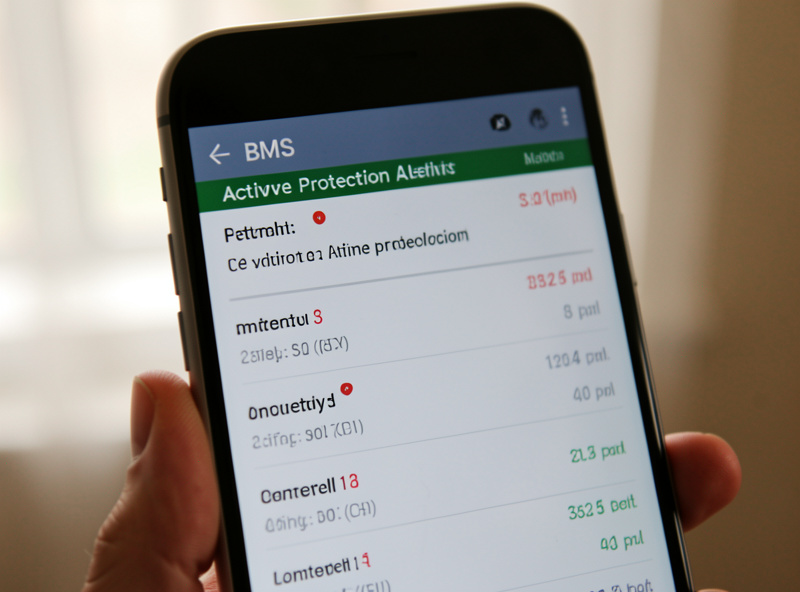
Almost every BMS fault falls into one of six categories. Over-voltage and under-voltage protection guard the top and bottom of the charge window. Over-current (charge or discharge) and short-circuit protection guard against too much current. Over-temperature and under-temperature (low-temperature charge) protection guard the thermal limits. And the cell-difference alarm warns that your cells have drifted too far apart. The table below is the cheat sheet I keep in mind; treat the voltage figures as typical LiFePO4 values, not your exact board’s settings.
| Fault Category | What Triggered It | First Thing to Check |
|---|---|---|
| Cell over-voltage (charge) | One cell hit ~3.65 V before the rest | Cell spread at top of charge — usually drift |
| Cell under-voltage (discharge) | One cell hit its floor (~2.5 V) first | Weak/drifted cell, or load too deep |
| Over-current / short | Draw exceeded the limit (or a dead short) | Surge load, wiring fault, undersized limit |
| Over-temperature | Cells or board too hot | Ventilation, charge/discharge rate, ambient heat |
| Low-temp charge cutoff | Charge attempted below 0 °C (32 °F) | Normal protection — warm cells before charging |
| Cell difference alarm | Spread between cells too wide | Rebalance; if it returns, suspect a weak cell |
Over-Voltage on Charge: Almost Always Balance
This is the fault people most often misread. When the BMS cuts charge on a cell over-voltage event, the instinct is to lower the charger voltage — but the charger is rarely the culprit. What actually happened is that one cell reached 3.65 V while the others were still at 3.45 V, because the cells have drifted apart. The pack was not overcharged; it was unbalanced, and the BMS stopped at the first cell to hit the ceiling.
The fix is to look at cell spread at the top of charge, not to touch the charger. If one cell consistently leads, rebalance the pack — the re-balancing guide covers how. If it drifts back out within a cycle or two after a clean rebalance, the cell is weak rather than merely drifted, and the weak-cell diagnosis guide is your next stop. Only if all cells are reaching the ceiling together does the charger voltage itself deserve a look.
Under-Voltage, Over-Current, and the Temperature Faults
An under-voltage trip on discharge is the mirror image: one cell reaches its low-voltage floor first, ending the discharge while the pack as a whole still has charge. If it happens with charge remaining, suspect a weak or drifted cell; if it only happens when you truly run the bank down, your low-voltage cutoff is simply doing its job and you should be stopping discharge sooner anyway — see the depth of discharge guide.
Over-current and short-circuit protection trip when draw exceeds the configured limit — often a hard surge load like a motor or welder starting, or a genuine wiring fault. Check whether the load’s inrush exceeds your limit, and inspect wiring for a short before assuming the board is wrong. Temperature faults split in two: over-temperature points to ventilation, a too-aggressive charge or discharge rate, or hot ambient conditions, while the low-temperature charge cutoff is not a malfunction at all — it is the board correctly refusing to charge a freezing cell, covered in the BMS charge-temperature cutoff guide.
The Cell-Difference Alarm
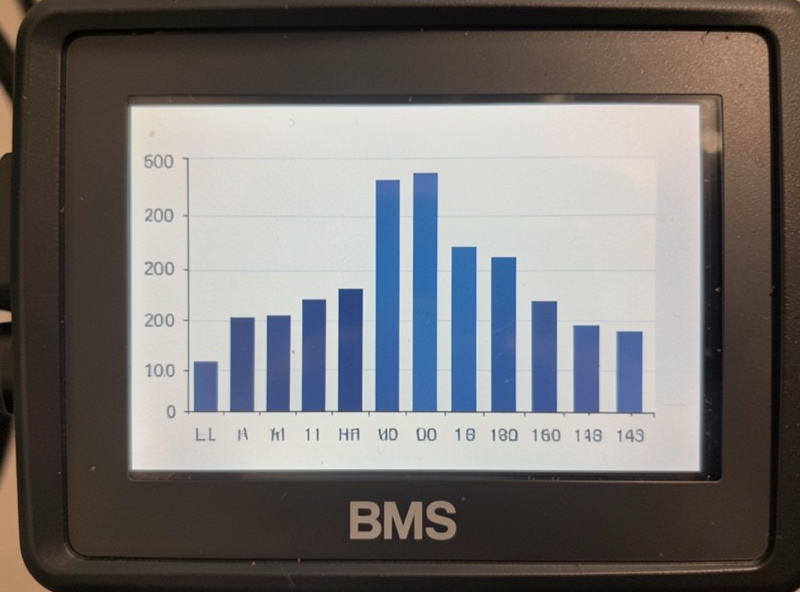
Many boards report a “cell difference” or “delta voltage” value and alarm when it grows too wide. A modest spread is normal, and it naturally widens at the top and bottom of the charge curve where LiFePO4 voltage moves fastest. The alarm matters when the spread keeps climbing cycle over cycle — that is drift outrunning your balancer. The response is the same diagnostic fork as everything else: rebalance, then watch. If the spread closes and stays closed, you fixed it. If it reopens fast, you have a weak cell.
Used well, the cell-difference reading is your earliest warning system — it flags a developing problem long before it becomes a hard over- or under-voltage trip that shuts the bank off. I treat a steadily rising delta the way I treat a rising temperature on any machine in the workshop: not yet an emergency, but the thing to investigate before it becomes one.
Clearing a Fault and When to Worry
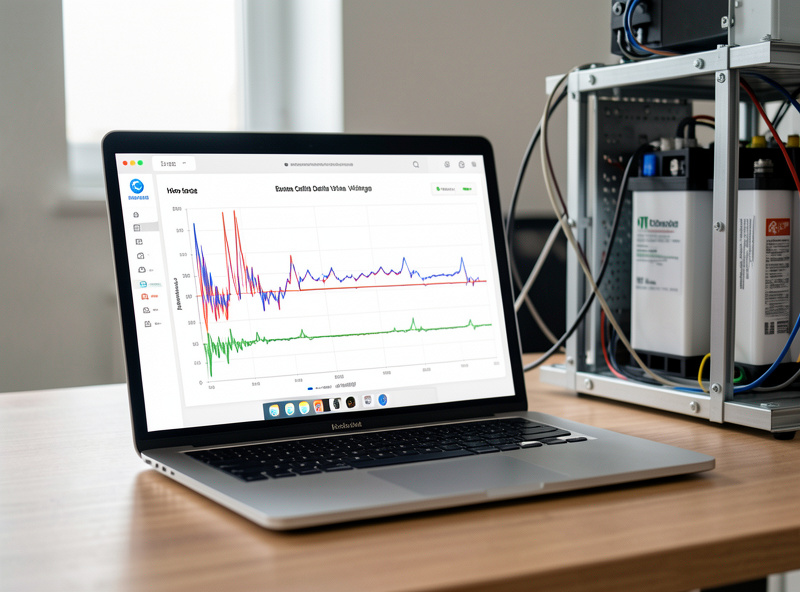
Most protection faults self-clear once the condition goes away — charge resumes after an over-voltage cell relaxes, or after cold cells warm past the cutoff. A fault that clears and does not return was the BMS doing its job; nothing more is needed. The ones to worry about are faults that keep returning, because a recurring fault is a real underlying problem the board is repeatedly catching. Do not just keep resetting it — read what it is telling you and chase the cause.
The decision tree is simple. Recurring over-voltage on charge or a climbing cell-difference alarm means balance, then weak-cell diagnosis. Recurring under-voltage with charge to spare means a weak or drifted cell. Recurring over-current means a load or wiring problem. A low-temperature cutoff in winter is expected. Read the category, check the one thing it points to, and you will resolve the large majority of BMS faults without guesswork — which is the whole philosophy of the maintenance and troubleshooting guide this belongs to.
Frequently Asked Questions
Why does my BMS show an over-voltage fault on charge?
Almost always because one cell reaches about 3.65 V before the others, which is a balance problem rather than an overcharged pack. The BMS stops charge at the first cell to hit its ceiling. Check cell spread at the top of charge and rebalance; only suspect the charger if all cells reach the limit together.
What do BMS fault codes actually mean?
A fault code tells you which protection limit was reached, not why. Nearly all codes fall into six categories: cell over-voltage, cell under-voltage, over-current or short, over-temperature, low-temperature charge cutoff, and cell-difference alarm. Each points to a specific first thing to check rather than a board malfunction.
Is a low-temperature charge cutoff a fault?
No, it is correct protection. The BMS refuses to charge when a cell is below 0 C (32 F) because charging a frozen LiFePO4 cell causes permanent damage. Warm the cells above freezing and charging resumes. In cold climates this cutoff appearing in winter is expected behavior, not a problem.
How do I clear a BMS fault?
Most protection faults clear themselves once the condition passes – charge resumes after an over-voltage cell relaxes or cold cells warm up. A fault that clears and stays gone needs no action. The ones to investigate are faults that keep returning, because a recurring fault signals a real underlying cause.
Do all BMS brands use the same fault codes?
No. JK, Daly, JBD and others phrase and number faults differently, so memorizing one brand’s codes does not transfer. What does transfer is the underlying categories, which every BMS shares. Learn the six categories and the specific wording on your board becomes easy to interpret.
My BMS keeps tripping on under-voltage with charge left. Why?
One cell is reaching its low-voltage floor before the others, ending the discharge early while the pack still has charge. That points to a drifted or weak cell. Rebalance and watch; if it returns within a cycle or two, diagnose the cell for genuine capacity loss rather than just balance.